.svg)
.svg)
 For Instructor
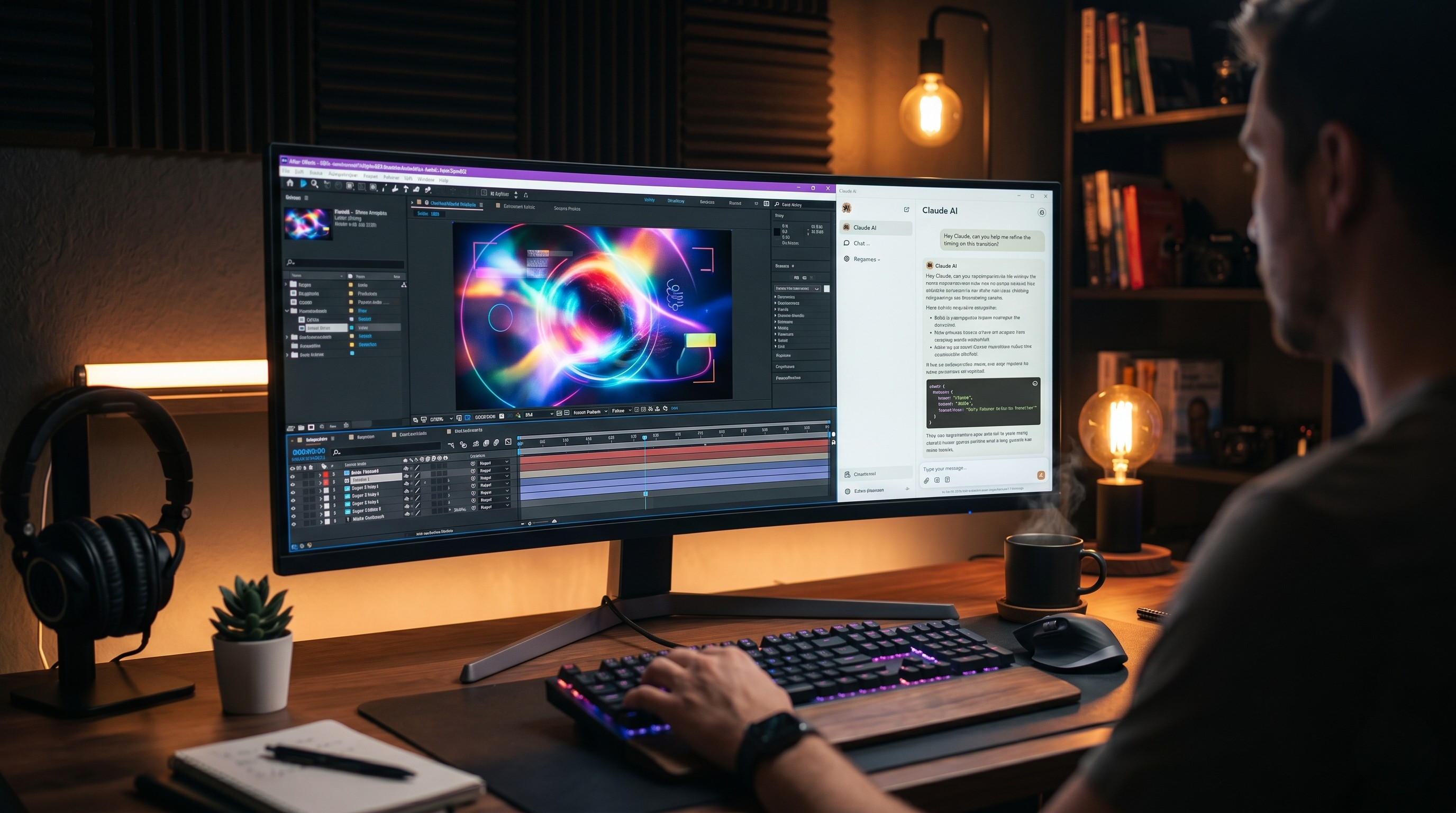
If you create video content, then you are probably well aware of the challenge that comes with making it look interesting (particularly when it comes time to edit). You may have already spent hours cutting, cleaning up, and balancing footage; but if you take a look at your finished product, it probably looks somewhat bland.
What would enhance your video's "wow factor" include; lower-thirds, dynamic title cards, smooth transitions, and engaging animations. These types of visual enhancements keep viewers engaged and give the impression that your video is worthy of their time.
Until recently, you had two options for obtaining these enhancements:
The first option is to spend hundreds of hours sitting through tutorial videos to learn how to use complex software like Adobe After Effects and painfully work through keyframes and easing curves as your eyes begin to hurt from staring at the screen for far too long.
The second option is to spend a small fortune by hiring a professional motion graphic designer to produce custom animations and graphics just for you, which would add additional costs to an already high production/creation budget!
The world of video editing is changing fast. AI has been used to automate tedious tasks such as writing emails and summarising documents. Now it’s being applied to creating new forms of visual content. The latest development is Claude can now help create animated motion graphics for your next video project.
So whether you're using Claude for ideation purposes, as well as coding, the same AI will be your personal animation assistant. But how good really is this technology? Can an AI do the job of a skilled human motion graphics designer? This was something we wanted to test out ourselves; therefore, we engaged a professional designer for this project to evaluate the new workflow, create multiple design assets, and determine what level of design can be achieved through the blending of human imagination with Claude Code.
Below is everything we learned about using Claude Code as a complementary tool for designing motion graphics; hopefully you find it useful.
Introducing HeyGen Hyperframe: Your New Creative Escape
Whether you're new to motion graphics creation with Claude or an experienced pro, HeyGen Hyperframe is the preferred platform to use when getting started right now. If you haven't heard of it yet, this platform has rapidly developed as a leading source for creating high-quality video content using AI-derived components.
The primary function of HeyGen Hyperframe is to act as the intermediary between your text prompts and your visual output. The very fact that they provide an amazing, FREE library of templates to use makes it a great asset for both beginning and expert creators. You can create motion graphics without starting from scratch – you have an unlimited selection of professionally designed animation templates to choose from within their large and professional design library!
Here’s a step-by-step guide to creating a motion graphic using a specific template found in the HeyGen library:
1) Get the Prompt - Each template in the HeyGen library includes a prompt that generates a specific type of motion graphic.
2) Copy and paste- this prompt into the Claude Code window.
3) Customize Your Variables - You will now be able to customize your variables, changing them to suit your brand (for example, changing colours to match your brand colour, changing text, changing the speed of motion, or changing the direction of motion).
4) Upload Custom References - If you'd like to create something completely unique, you can upload any other reference images/clips to Claude for analysis. These could include your brand logo, style guide, or even a mood board, etc. Claude will incorporate the reference materials into your final code, ensuring that your final motion graphic will fit in with your channel’s style and feel.
Bridging the Gap: How It Works
You may be asking yourself, how does a text-based AI like Claude create a motion graphic?
Claude's not natively rendering out MP4 video files straight in its chat interface but rather, Claude is the master programmer. So when you give Claude a prompt from HeyGen Hyperframe, it uses code to write and adjust the code that creates the underlying code (typically written in code and languages used to build both web and animated videos) for all of the parts in your Graphic, giving you direction on each part (how they will look, how they will move and
then how they will disappear)
Then that code is taken and processed by something that can read it and interpreted in complete, smooth moving motion graphics.
Through testing by professional Motion Graphic Artists, we found out something incredible; the AI will not only blindly follow the programming but also understands the purpose of the design. For instance, if you ask for a 'snappy, modern lower third', the AI will recognize that this should be associated with a fast initial movement with a slow decay of the motion as opposed to asking for a 'corporate, elegant title card', where the AI would choose slow and deliberate fades with a very subtle scale to the title.
Advanced Testing of AI: Maxing Its Potential
Our goal was to see how Claude and HeyGen HyperFrame could manage sizeable projects typically completed by experienced professionals, instead of just designing traditional text pop-up graphics. So, we pushed the system out to its utmost.
We had our expert artist generate complicated multi-layer requests from the AI. Below are several of the advanced test scenarios used:
1. Multi-part Animation
We evaluated graphics that transition in and out of view (not just appear and disappear), meaning they are actually comprised of several transitions. For example, a graphic would slide into position from the left, expand to reveal text (3 seconds later, after a set time delay), give special attention to one word, collapse into a logo, and then slide back off the screen.
The Outcome: Claude managed to execute the timing effectively overall. Occasionally, Claude needed to modify a given prompt to ensure that the total and conversationable were both properly adhere, but with regard to logic, the multi-part animation was accurately executed.
2. Physics unique to a brand
Claude was tasked with generating different types of physics for the animations according to custom references that were provided. When we uploaded some reference materials showing heavy industrial machinery, we requested the graphics to feel like heavy and impactful. When we uploaded reference materials for flowing water, we requested the graphics to feel fluid and seamless.
Result: Of all the tests completed, this one was most impressive. The code generated for the heavy graphics included hard stops and subtle screen shaking, while the code produced for the fluid graphics included bezier curves, allowing the elements to smoothly glide across the screen.
3. Moving Data Visualisations
Motion graphics should not only be used on title cards, but can be very useful in explaining complicated data. We placed raw data sets into Claude and asked it to create animated bar charts and line graphs where the numbers counted dynamically up as the bars grew.
Result: Claude correctly mapped the data to the visual elements and produced clean and professionally designed animated charts that could have easily found themselves in a high end Corporate Presentation or a top Tier Technology YouTube Video.
Conclusion: Is This A Substitute for Professionals? After months of thorough testing, extensive code analysis, and comparing the outputs of AI systems vs. conventional After Effects projects, our professional Motion Graphics Artist found an unexpected result.
Referring back to both Claude & HeyGen Hyperframe, they won’t be entirely replacing a high-quality professional motion graphics artist tomorrow. When creating a commercial for a Super Bowl commercial, you want a person’s hand manipulating each pixel and keyframe.
However, for over 95% of content creators — YouTube marketers, social media marketers, independent filmmakers, and small business owners — the way they are able to access this AI workflow has completely changed the design process in terms of quality AND efficiency. The design process that was three hours long is now reduced to a matter of minutes.
You can quickly iterate on your design(s). Don’t like your blue background? Simply ask Claude to change it to a red background and watch Claude’s entire codebase update instantaneously, giving you an opportunity for creation of high production value without sacrificing many resources (little budget, or time).
Final Say: Are Professionals Going to Be Replaced by This?
After spending hours on testing and reviewing the code and comparing the results produced by AI After Effects projects with the results produced by traditional After Effects projects, our professional motion graphic artist concluded this:
No, Claude and HeyGen Hyperframe aren't going to completely replace high-quality motion graphic artists tomorrow. If you're doing an animation for a major Super Bowl commercial, you're going to want a human hand directing each pixel and each keyframe.
But for 95% of the creative market – YouTube creators, social media marketing agencies, independent filmmakers, and small businesses – the AI workflow makes creating content much easier than it ever was before. It democratizes the ability for anyone to have great design. The amount of time to complete something that used to take 3 hours can now be completed in 3 minutes.
With Claude, it makes it possible to iterate at the speed of light. If you don't like a blue background, you simply ask Claude to change it to red and he will update all the code. It provides creatives with the tools required to create high-quality videos at minimal expense and minimal time.
Build Your Own Workflow for AI Motion Graphics Right Now
If you want to get away from dull, typed-out text on video and incorporate moving graphics into your videos now, here’s the blueprint to do so:
Create Your Accounts! You need access to Claude (preferably the paid level, especially if you will be producing lots of code-driven responses), with access to the HeyGen Hyperframe platform to experience it.
Start Off Easy! Don’t attempt to create a HUGE, complicated animation on Day 1; go to the HeyGen Free Template Library, search for and copy a simple lower third or a Subscribe Button animation prompt.
Experiment with Altering Variables: Take the template and paste it onto Claude, but try changing some of the text on it. You can update all colors (hex colour codes) to be your branding colours. Update the text with your name. Check how AI responds to changes in the template.
Upload Brand References: Once you're comfortable with the above, upload your logo or brand mood board to Claude and have it modify the existing template in order to fit a visual identity you have established.
Create a Prompt Library: Each time you generate an animation that you enjoy, remember to save the prompt at the end. This will allow you to create your own unique library of motion graphic animations that you can use repeatedly and instantly for your next video.