.svg)
.svg)
 For Instructor
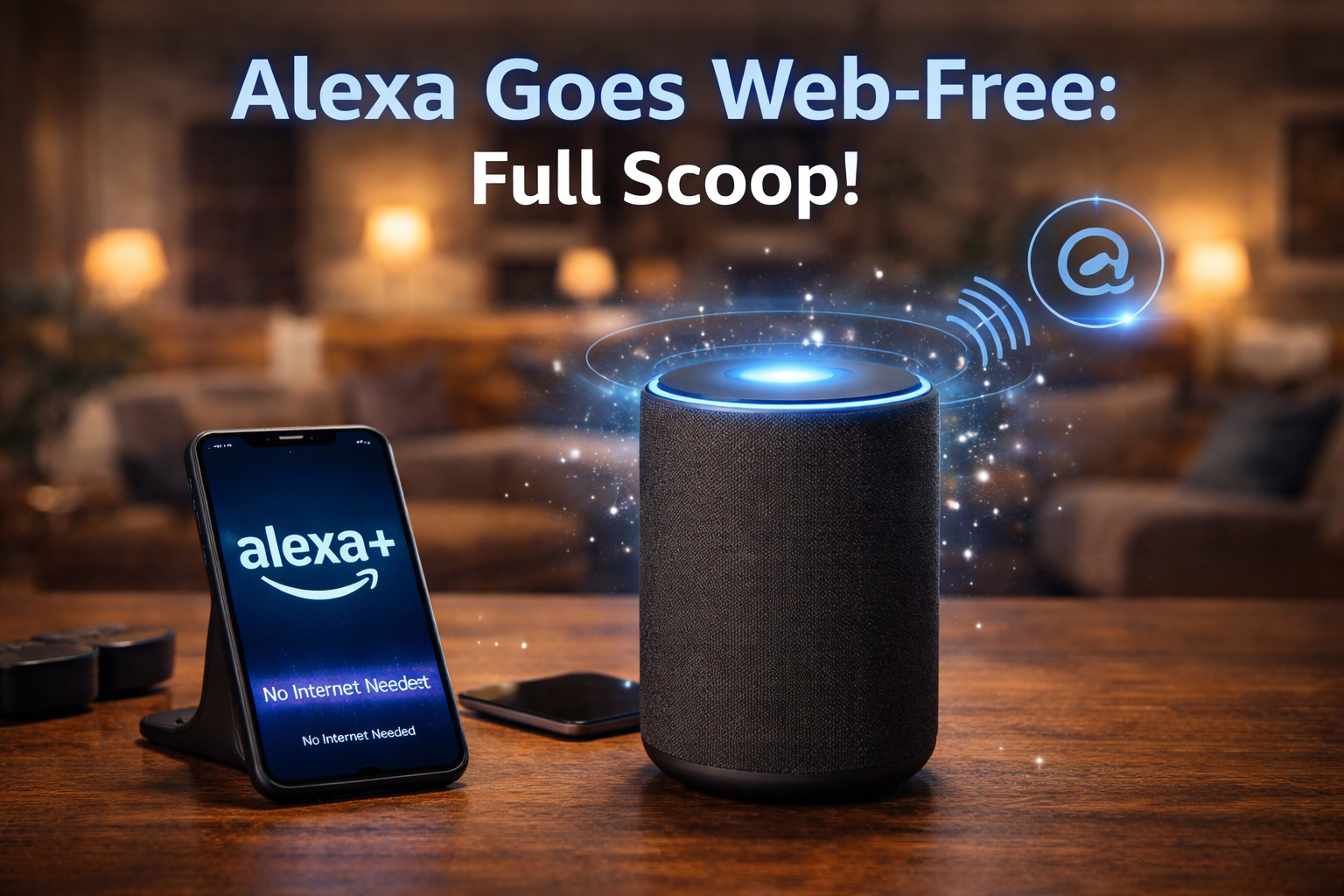
Alexa+ as a Web App
Amazon has made some significant changes to how we interact with Smart Assistants as of CES 2026. Now, you can access Alexa+ through any web browser—no Echo Dot necessary, no Ring Doorbell, no fuss! Just by visiting www.alexa.amazon.com and logging in, you can use Alexa to chat with. It doesn't get much easier than that.
A Brief History of Alexa+
When Alexa was first released in 2014 as an internal voice assistant within its Echo Devices; fast forward to 2025 when Amazon launched Alexa+ with its new generative artificial intelligence (think: smart conversations like ChatGPT). With Alexa+ you'll be able to hold a full conversation while also asking very specific questions, plan travels, and control your entire home.
Alexa+ (CES 2026) allows Early Access Members to log into www.alexa.amazon.com and access Alexa+ via their web browser for $4.99/month or whatever they determine. When you're ready to start using Alexa+, simply log into your Alexa+ account using your Amazon credentials.
To begin using Alexa+, follow these 7 simple steps:
Get yourself an Alexa+ subscription from the Amazon app or website (you may need to sign up for a waitlist if there are none available).
Go to www.alexa.amazon.com, and log in.
Methods of using Alexa+: Type (e.g., "Turn on the living room lights") or use voice mode by clicking the mic icon—just like with your smart phone!
Connect your compatible smart devices (Philips Hue, Nest, etc.) to Alexa to enable full control.
That's it! AI is now available at your fingertips.