.svg)
.svg)
 For Instructor
Gemini said
The Great AI Migration: How to Move Your "Brain" from ChatGPT to Gemini
Switching AI assistants used to feel like moving to a new city where nobody knows your name. You’d spend months teaching ChatGPT exactly how you like your emails written, what your coding style looks like, and the fact that you absolutely hate it when it uses the word "delve."
If you wanted to try Google’s Gemini or Anthropic’s Claude, you had to start from scratch. It was the ultimate "breakup" barrier.
But things just changed. Following Anthropic’s lead, Google is reportedly rolling out a feature that lets you import your memory and chat history from ChatGPT directly into Gemini. Here’s everything you need to know about the new "AI Moving Day."
Why Is This Happening Now?
In the world of Generative AI, Memory is the new battlefield. It’s no longer just about who has the smartest model; it’s about who knows you best.
Earlier this month, Anthropic shook things up by allowing Claude users to import their ChatGPT "memories." Not to be outdone, Google is now testing a two-part solution within the Google app to make the transition to Gemini seamless. They want to lower the "switching cost" so you can take your digital brain wherever you go.
How Gemini’s "Import" Works: A Two-Step Dance
According to reports from Android Authority, Google isn’t just giving you a "Upload" button and hoping for the best. They’ve designed a clever, interactive way to migrate your data.
1. Importing Your "Memory" (The Personal Stuff)
Your "Memory" is the collection of facts the AI has learned about you over time—like your job title, your favorite programming languages, or your specific formatting preferences.
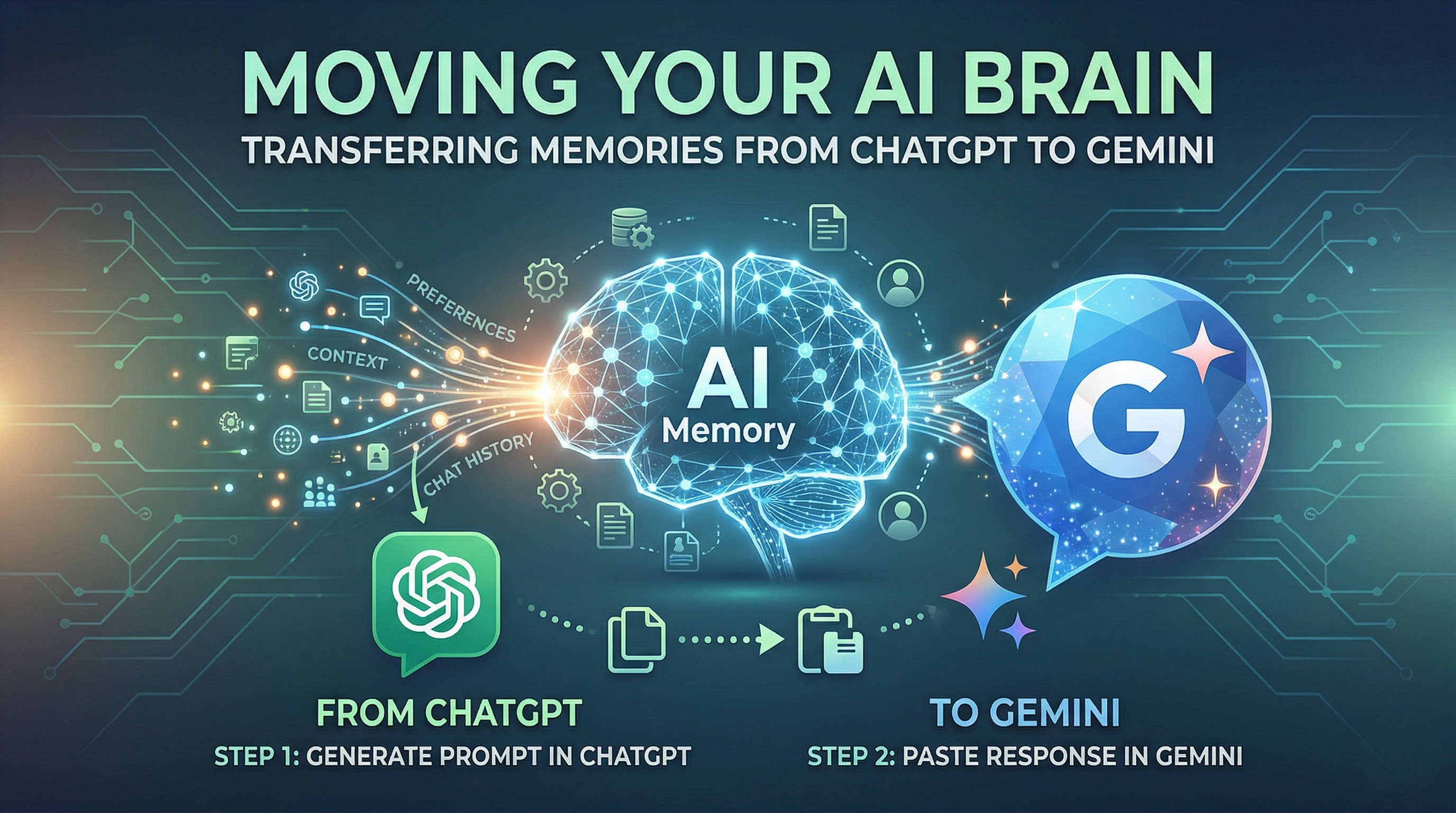
- The Prompt Method: Inside Gemini, you’ll find an option called "Import memory to Gemini." * The Middleman: Gemini will give you a specific prompt to copy. You then head over to ChatGPT, paste that prompt, and hit enter.
- The Handshake: ChatGPT will then "confess" everything it knows about you in a structured format. You copy that wall of text, head back to Gemini, and paste it into the "Paste the response here" box.
- The Result: Just like that, Gemini is briefed. It knows your name, your projects, and your quirks without you having to say a word.
2. Importing Your Chat History (The Context)
While "Memory" is about who you are, "Chat History" is about what you’ve done. Google is also working on a way to import your actual past conversations.
This usually involves requesting a data export from OpenAI (which arrives as a .ZIP file) and uploading it to Gemini. This allows Gemini to look back at old threads for context, ensuring you don’t lose that brilliant business plan you brainstormed six months ago.
Why You Might Actually Want to Switch
With the launch of Gemini 3 Flash and the massive 1-million-token context window, Google is making a strong case for itself. Here’s why this migration tool is a big deal:
- No More "First Date" Awkwardness: You don’t have to re-explain your life story to a new chatbot.
- Ecosystem Integration: If you use Google Workspace (Docs, Gmail, Drive), Gemini can now combine your ChatGPT "personality" with your actual files.
- Choice is Power: You’re no longer "locked in" to one provider just because they have your data. You can hop between Claude, Gemini, and ChatGPT based on who has the best features this week.
A Quick Word of Caution
Before you hit "Import," remember that you are essentially handing over a summary of your digital life.
Pro Tip: When ChatGPT generates that "memory summary," read through it! If there’s an old address, a project you’ve finished, or personal info you’d rather Google not have, delete those lines before pasting them into Gemini.
The Bottom Line
The "walled gardens" of AI are starting to crumble. By making it easy to move your "memory," Google and Anthropic are turning AI into a utility—something you can take with you, rather than something you’re stuck with.
Whether you’re a ride-or-die ChatGPT fan or a Gemini explorer, the winner here is the user. Your data is finally becoming yours to move.