.svg)
.svg)
 For Instructor
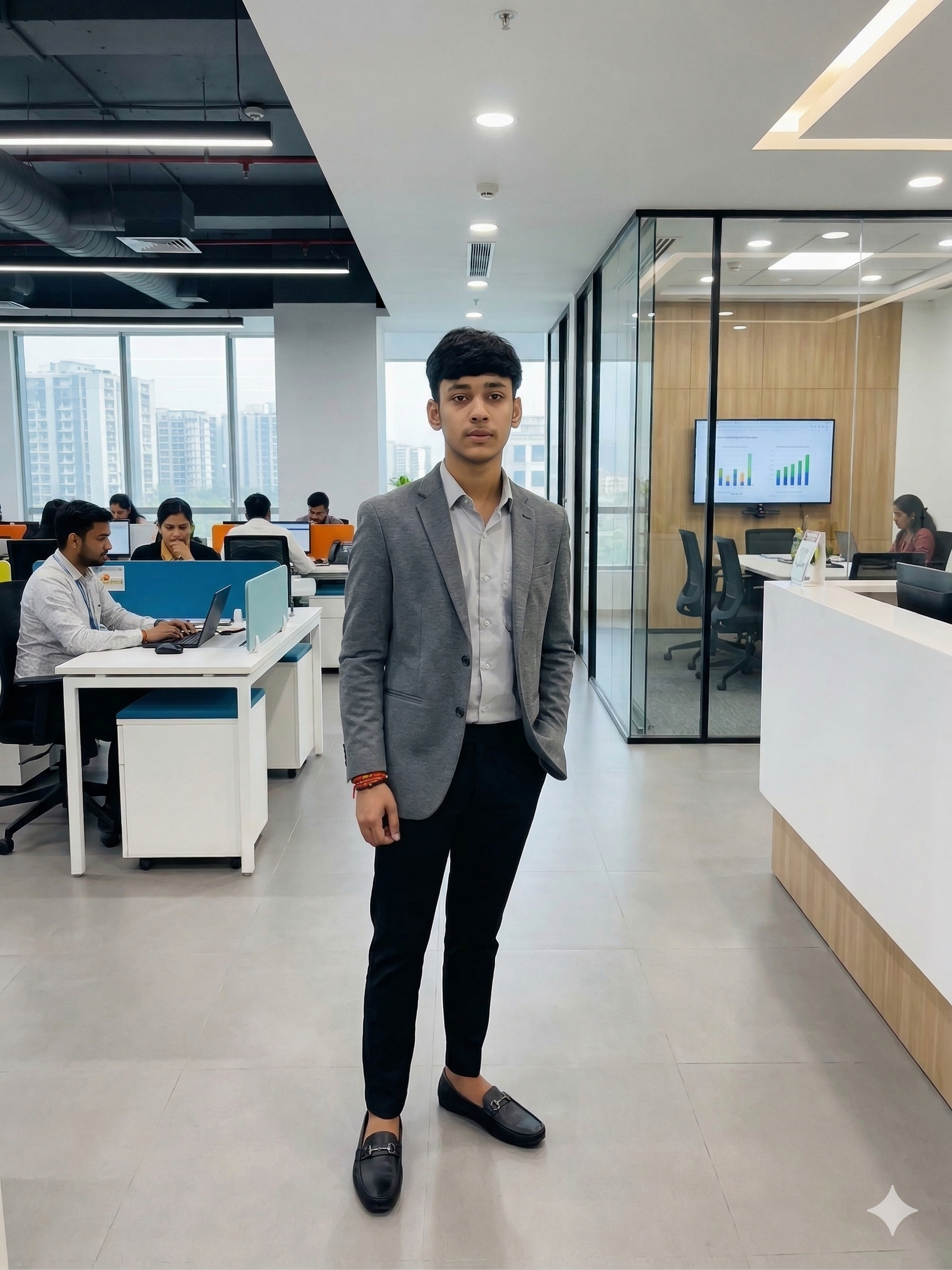
Have you ever found yourself wondering how a large budget film, an ultra polished TV ad, or even a high-quality YouTube post could have such outstanding lighting? For most of recorded history, when it came to creating this type of image in your videos the answer usually came down to money; tons of it. To accomplish typical video production, you would normally need to scout vast area spaces for locations, rent large trucks filled with lighting equipment, hire a team of technicians, and then take hours to set up every shot.
If you are an independent creator, own a small business, or simply want to create some type of fun, creative video using your home equipment; the barriers to success have historically been incredibly frustrating. However, what if we said that all those barriers were no longer there? In fact, everything has changed and things are much fairer than they were.
Getting Started with AI Video Transformation
Let’s get started with AI today! In this post, we will explore a new kind of workflow that allows ordinary, every day filmed footage (aka real life!) to be transformed into something that would appear as if it were created for the big screen. You can completely change your location, clothing style, lighting, etc., after you record a video! Let’s take a moment to grab a cup of coffee before we explain how the magic works!
The Ritz-Carlton Impact: Enhancing Your Environment
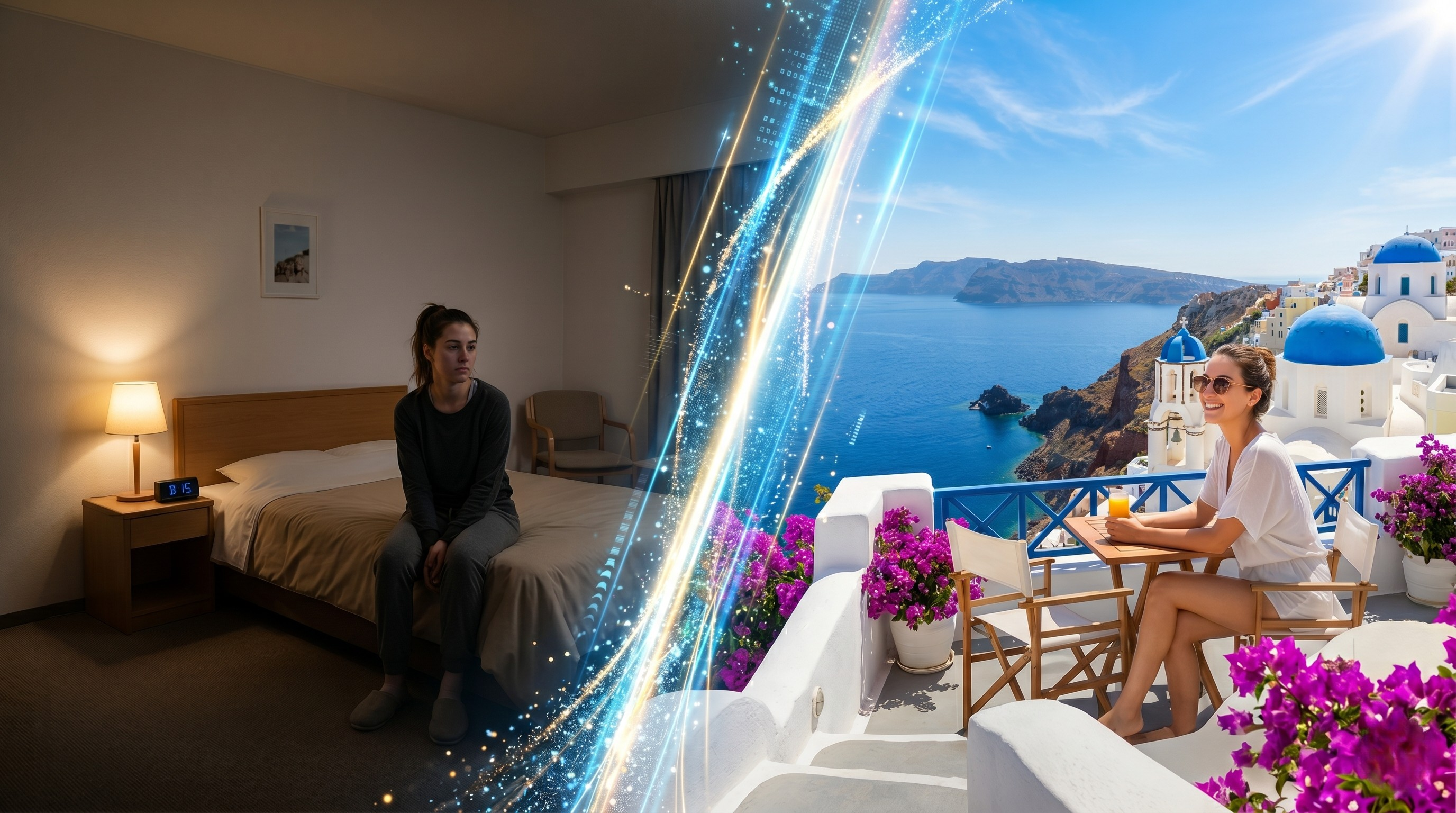
Imagine you are currently located in a standard hotel guest room (for example: $250.00/night). The guestroom is acceptable, but it lacks any personality or aesthetic appeal. For instance, there are fluorescent light fixtures; there’s bare walls; and there is no reflection of premium quality production values for filming a video in said guestroom because all of the visuals captured in this guestroom, are going to have the same basic, uninspiring look as the original video: a short piece filmed inside a generic, standard hotel room.
With today’s sophisticated AI video editing applications, however, the aforementioned generic guestroom is simply an undistributed canvas. Utilizing the generative AI process to create new content from previously recorded content, allows you to completely transform the generic hotel guestroom you are currently in to resemble the Ritz-Carlton Presidential Suite. Not only can the AI generate a photorealistic representation of your environment based on spatial depth, but also, geometry; light placement; wall and floor surfaces; furnishings and accessories; and finally texture and color of walls and floors. For example, by upgrading the hotel’s standard crown mouldings to new, upgraded open cove (or cove moulding) and replacing the inexpensive desk currently located within the hotel guestroom with a richly colored, mahogany; and by replacing the harsh, reflective overhead fluorescent lighting with ambiently lit, soft, warm, indirect lighting behind you, you can experience a substantial increase in production quality without moving from your original location.
Final Destination: No Passport Needed to Visit Santorini!
If you're filming a video that tells a story, why limit yourself to filming inside of a luxury hotel? You can take advantage of the same type of artificial intelligence (AI) technology to not only change the environment but also change the lighting in a scene.
What if I filmed myself in my hotel room but at some point, I typed a short text prompt to the AI and it started to replace the walls with an image of me standing on a sun-soaked balcony in Santorini, Greece, with every bright white building in the background being contrasted by deep blues from the waters of the Aegean Sea?
What's truly mind-blowing about this technology is that with the old way of using a green screen, the subject (i.e., you) would never look good because the relationship between the subject's light and shadow compared to the light and shadow of the fake background never quite matched up. You'd look ridiculous if you shot on a really dark day at your house and then filmed yourself on a sunny beach. Now, thanks to the new AI tools being developed and made available to us, artists can achieve consistent lighting between the subject (you) and the AI-generated background (Santorini) by using the AI to relight you in the way the sun is shining on you in Santorini. This means that there is no obvious separation between you and the Santorini background because these two images combined to appear seamless, believable, and very powerful.
Wardrobe Changes and Set Design Live
It gets even better! Have you ever filmed an entire video only to realize that your t-shirt had a stain on it or that the outfit you wore for shooting clashed with what you were trying to convey? Or perhaps you want to film a creative storytelling piece that requires you to look like you were on the set of a sci-fi movie set hundreds of years into the future or a gritty detective film made in the 1920s?
You don’t need to rent costumes or create physical sets because AI allows you to digitally change your outfit in post-production. For example, with an AI tool you can replace your hoodie with a tailored business suit or your simple dress with elaborate historical clothing. The AI tracks your movements so the new clothing fold and move as they should based on your body. In essence, you could be your own digital representation and able to put yourself in any movie set or genre you can imagine.
Enhancing Your Home Studio
Regardless, not every video you film must have an outer space setting or a luxury waterfront resort setting. At times, you may only want to appear professionally produced. For example, recording yourself while sitting at your office will most likely mean that the office is disheveled, the overhead lighting does not lend itself to being photographed well, and you are simply using a standard webcam for the recording.
You can use the low-resolution, low-cost video footage of this situation to create a perfect home studio environment through the AI. You can incorporate practical illumination (e.g., neon accent lights or desk lamps with a warm color temperature) into the scene in the background. You can also soften the shadows on your face, mimicking the performance of legitimate softboxes and ring lights, helping to create a high-quality, commanding video from an otherwise humble background.
The Hybrid Shooting Experience: The Use of Professional Equipment with Aid From Artificial Intelligence
If you are engaged with video production as a professional, prepare for even greater possibilities. The concept of a "hybrid" production involves the use of your own high-quality professional camera equipment and recording yourself in high-definition video. Additionally, you now have access to AI as an all-in-one post-production assistant.
Many times it may take up to several hours in an advanced software program just to color correct the video footage from your production. By using AI color grading capability, colour and cinematic look can be added to your video footage in seconds. AI can also be used to swap out the background elements of the shoot, as well as to change out actual lighting and to combine the clarity and beauty of your existing camera images with the infinite creative options available from generative artificial intelligence; best of both worlds.
How Does It Work: Step by Step
To start taking advantage of these technologies, first understand how they actually work. Each technology has a unique way of working with some degree of complexity in the back end; but, as you will see below, the user experience will continue to simplify over time. Nearly every technology described herein uses AI based on a Node structure (a.k.a. "Node-Based"). A "Node" is simply a visual building block which can be used in conjunction with one another to build a workflow.
If you would like to experiment with popular Node-Based AI tools as described in our introduction, the following example is the simplest way to do so:
Upload Video: The first step is very simple: you upload your raw video file to the platform.
Extract Frame(s): The next step is to connect your video to an "Extract Frame Node". While this sounds very technical, it is just a slider bar that lets you select one clear frame from your video. The software then downloads that exact frame for the AI to analyze.
Time to have some fun: You can add an “image node” with any type of text you want for re-styling (e.g., "Change my look to Santorini," "Make me wear a tux"). The AI will restyle that one frame using your text as direction.
Finish it by Connecting:
Then connect all of your components together (including a “video mat” which tells the AI how to separate you from the background) into a blending/switching node (often known as a switch X or relight node), which will relay back to the system for each of the frames* of the entire duration and relight each of the moving figures to match the cool new style you created earlier.